Skip to content
Introduction
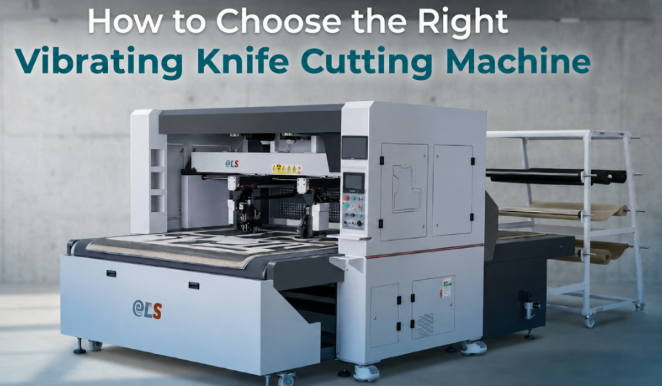
If your factory still relies on steel-rule dies for cutting leather, foam, fabric, cardboard, or composites, you are likely watching material waste pile up, skilled cutters retire, and order sizes shrink to mixed-batch runs that die-cutting was never designed to handle. A vibrating knife cutting machine eliminates die-making costs, switches between patterns in seconds, and cuts directly from CAD files — but only if you buy the right configuration for your materials and production volume.
This guide walks purchasing managers and production teams through seven concrete decision steps, from matching blade type to material thickness through calculating real payback periods. Each step includes the specification thresholds, comparison data, and self-check questions that separate a machine that will sit idle from one that transforms your cutting floor. By the end, you will have a clear shortlist framework — and know exactly which parameters to verify before requesting test cuts.
Step 1 — Identify Your Materials and Thickness Range
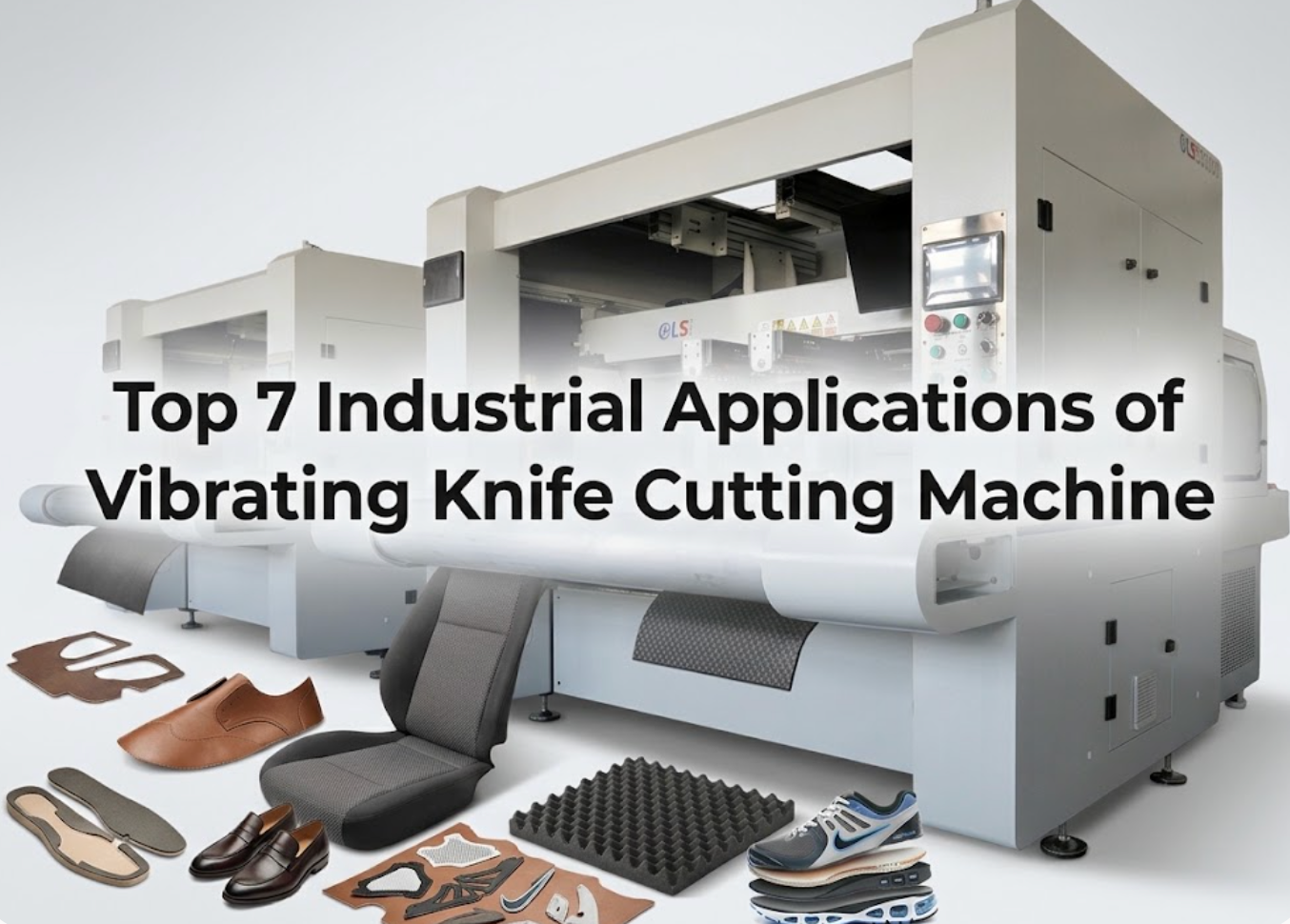
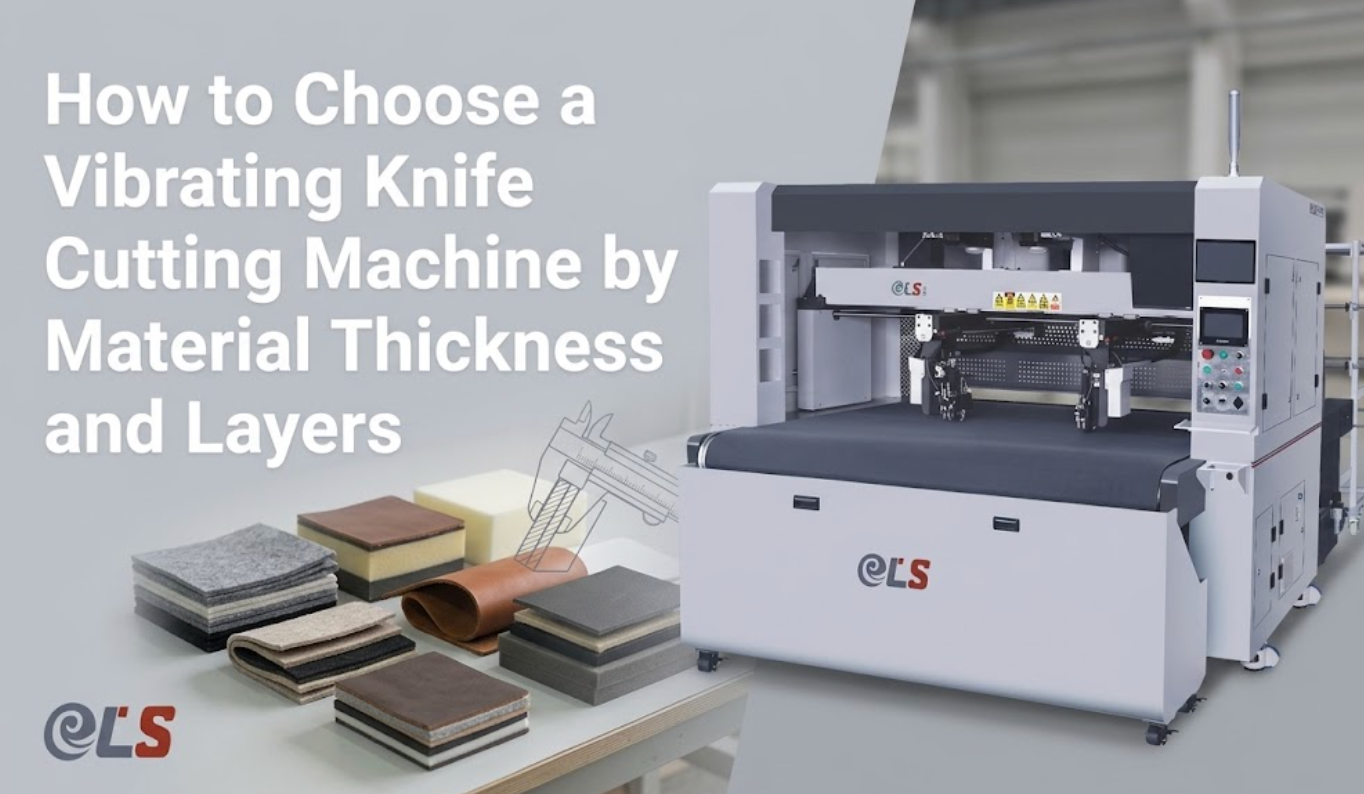
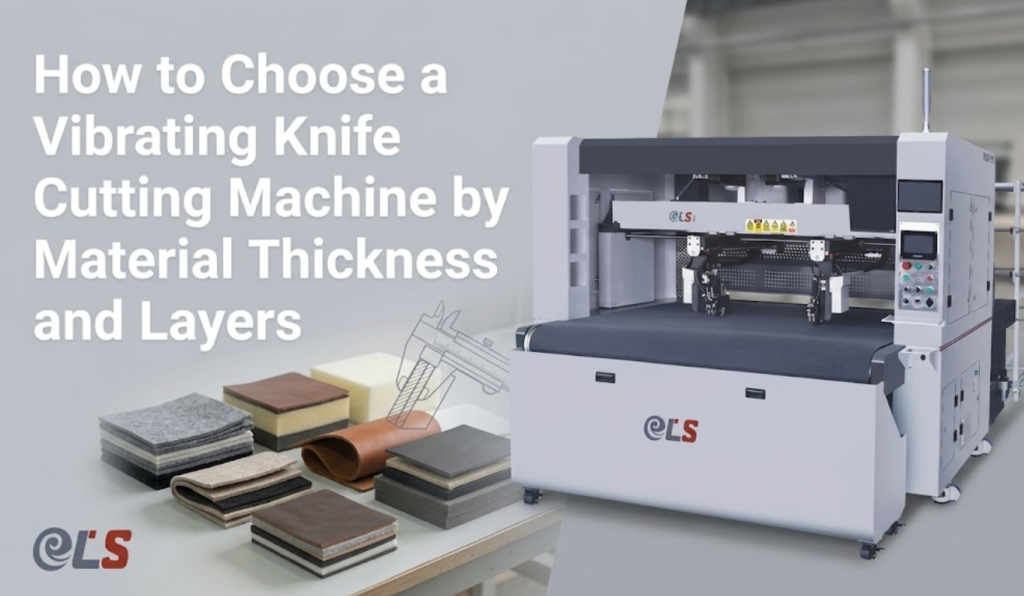
Every specification downstream flows from this single question: what exactly will the machine cut, and how thick is it? Vibrating knife technology handles a broad spectrum of flexible and semi-rigid materials, but blade geometry, motor power, and vacuum hold-down strength all change with material class. Start by listing every material in your current and planned product lines, then record the maximum thickness for each.
Common material categories and their thickness ceilings on industrial vibrating knife equipment:
- Genuine leather and PU leather — up to 5–8 mm single layer; look for servo-driven oscillating heads with leather-specific nesting software.
- EVA and PE foam — up to 50 mm with extended beam clearance; verify the Z-axis stroke is tall enough.
- Cardboard and honeycomb board — 3–10 mm; ensure the vacuum table can hold flat, rigid sheets without warping.
- Technical textiles and composites — 1–5 mm; check whether the machine supports creasing wheels and pen markers alongside the blade.
- Rubber and gasket materials — 2–15 mm; confirm the blade oscillation frequency is high enough to avoid tearing.
If your factory cuts genuine leather at scale, the ELS 3016S vibrating knife genuine leather cutting machine handles up to 25 mm thickness with defect identification and intelligent nesting built in — a benchmark for what leather-specific configuration looks like.
Step 2 — Match Cutting Accuracy to Your Quality Tolerance
“High accuracy” means nothing without a number. Industrial vibrating knife cutting machines typically specify two values: cutting accuracy (the positional deviation of the blade from the programmed path) and repeat positioning accuracy (the consistency of returning to the same point across cycles). For footwear patterns and automotive interior panels, ±0.1 mm cutting accuracy is the industry standard for premium output. For sample-room prototyping, ±0.2 mm is often sufficient.
Ask the supplier for both numbers in writing, and verify them on a test cut of your material — not a demo sample. Accuracy degrades on thick foam, stretchy fabrics, and materials that shift under vacuum. The machine frame rigidity, drive system (ball screw vs synchronous belt), and vacuum hold-down strength all affect real-world precision more than the spec sheet suggests.
| Application | Recommended Cutting Accuracy | Drive System | Notes |
|---|---|---|---|
| Genuine leather nesting | ±0.1 mm | Ball screw + servo | Defect avoidance requires vision system |
| Sample-room prototyping | ±0.2 mm | Synchronous belt + servo | Speed and flexibility over absolute precision |
| Foam and packaging | ±0.2–0.5 mm | Synchronous belt + stepper | Thickness matters more than micron precision |
| Engraving and fine detailing | 0.01 mm repeat positioning | Ball screw + linear guide | All-steel welded frame essential |
For operations that combine cutting with engraving, the CNC Engraving Machine HH-6090 demonstrates the 0.01 mm repeat positioning accuracy achievable with an all-steel welded frame and imported linear guides — a useful benchmark when comparing build quality across suppliers.
Step 3 — Choose the Right Tool Head Configuration
The tool head is where versatility lives. A vibrating knife head is just the starting point — most industrial machines support interchangeable or simultaneously mounted tool stations. Your material mix and production flow determine which combination delivers the most value.
- Oscillating / vibrating knife — the core cutting tool for leather, foam, cardboard, rubber. High-frequency up-and-down motion slices through thick materials cleanly.
- Drag knife (tangential) — for thin, stiff materials like vinyl and thin cardboard; rotates to follow curves without distortion.
- Creasing wheel — creates fold lines on cardboard and packaging materials without cutting through.
- Pen or ink marker — labels cut pieces with size, batch, or QR codes for downstream traceability.
- Punching head — pierces holes for eyelets, lace holes, or alignment marks; some machines offer dual-head punching with up to 4 punch tools.
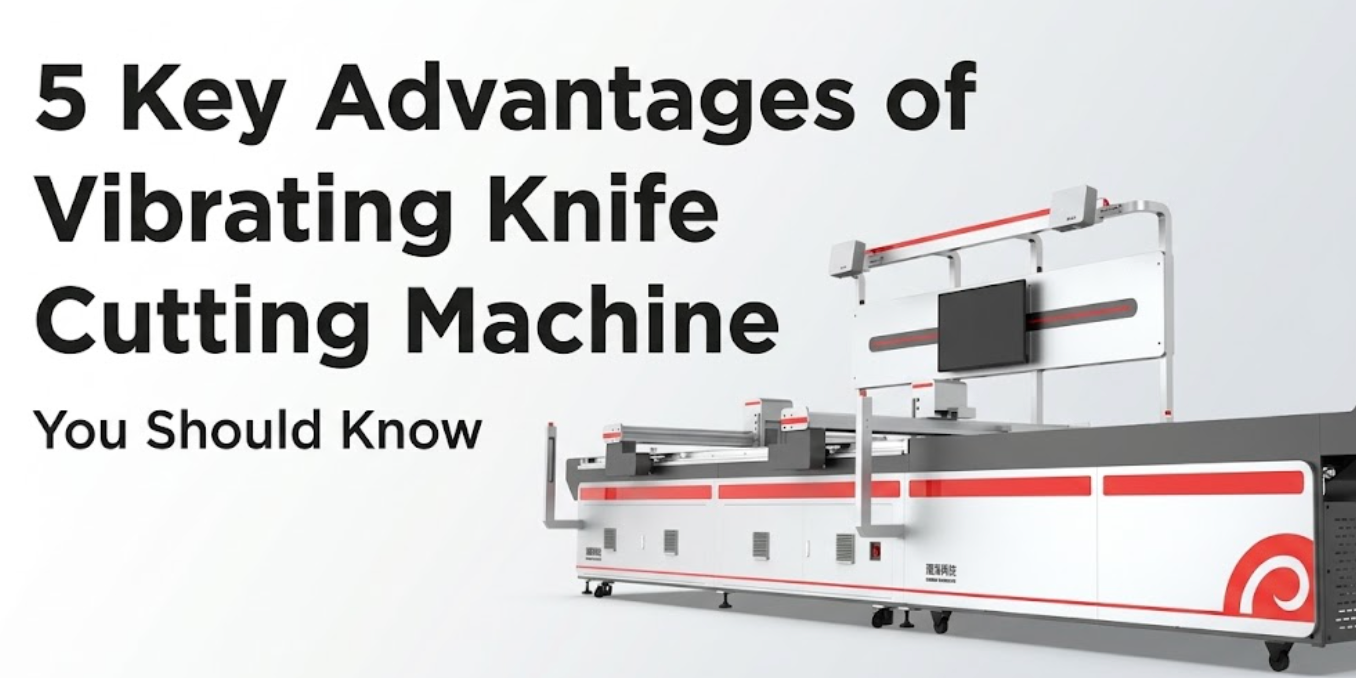
Dual-head asynchronous cutting is a feature worth prioritizing for mixed-batch production. Two heads cut different patterns simultaneously on separate zones of the table, effectively doubling throughput without doubling floor space. The ELS-B2S intelligent sample cutting machine exemplifies this with dual-head punching — four punch heads that handle complex hole patterns in a single pass.
Step 4 — Evaluate Cutting Area and Material Feed System
Cutting area dictates the maximum nesting sheet size, which in turn determines how efficiently you can pack patterns and how often an operator must reload material. A machine that is too small forces frequent stops; one that is too large wastes vacuum power and floor space.
Three feed-system architectures serve different production scales:
- Single-sheet (batch) feed — operator places one sheet at a time. Ideal for sample rooms and small-batch runs. Look for 1600 × 800 mm minimum effective area.
- Conveyor belt (continuous) feed — material rolls in automatically while cutting continues. Suited for medium-to-large batch production. Verify the belt material is compatible with your cutting tools and vacuum system.
- Channel-type (roll-to-roll) feed — continuous roll material feeds through a channel with camera vision positioning. Best for high-volume textile and fabric cutting where pattern registration against printed designs is critical.
For continuous-feed production with vision registration, the channel-type ELS-B13S uses a 20-megapixel camera to extract material outlines and match patterns in real time — a capability that matters when cutting pre-printed fabrics or leather with natural texture variation.
Step 5 — Vibrating Knife vs Laser Cutting: Which Fits Your Materials?
Many factories debate between a vibrating knife and a laser cutting machine for flexible materials. The answer depends almost entirely on material chemistry, edge-quality requirements, and running costs — not on which technology is “better” in the abstract.
| Factor | Vibrating Knife | Laser (CO₂) |
|---|---|---|
| Edge quality on leather | Clean cut, no discoloration | Sealed edge, possible burn marks |
| Material thickness | Up to 50 mm (foam) | Typically up to 20 mm |
| Heat-affected zone | None — cold cutting | Yes — may warp synthetics |
| Cutting speed (thin materials) | Moderate | Fast |
| Consumable cost | Blades only (low) | Laser tube, optics, gas (higher) |
| Ventilation required | Minimal (dust extraction) | Fume extraction mandatory |
| Best for | Leather, foam, rubber, cardboard | Acrylic, thin fabric, engraved patterns |
The practical takeaway: if you cut genuine leather, thick foam, or rubber gaskets, vibrating knife is the safer choice. If your product line includes acrylic signage or requires laser engraving alongside cutting, a laser system or a hybrid setup may be justified. For a deeper dive, read our complete guide to oscillating knife cutting machines, which covers blade types, maintenance, and material-specific setups in detail.
Step 6 — Calculate Total Cost of Ownership and Payback Period
The purchase price is roughly 40–60% of what you will spend over a machine’s service life. Total cost of ownership (TCO) includes the machine, installation, operator training, consumables (blades, punch pins, vacuum filters), electricity, maintenance labor, and software updates. A cheaper machine with high consumable costs and frequent blade changes can cost more over five years than a premium model with durable tooling.
Build your TCO model around these line items:
- Capital cost — the machine plus shipping, installation, and commissioning.
- Labour savings — compare current cutting-room headcount against the reduced team needed for automated nesting and cutting. Leather cutting operations typically reduce skilled-cutter headcount by 80–90%.
- Material savings — intelligent nesting software lifts material utilization by 5–10%, which on genuine leather often pays for the machine faster than labour savings alone.
- Die elimination — no steel-rule die manufacturing, storage, or replacement. This alone saves $10,000–50,000 annually for factories running 50+ active patterns.
- Consumables and maintenance — blades, punch pins, vacuum pump oil, filters. Budget $1,000–3,000 per year for a single-head machine.
Most factories report payback periods of 12–24 months when the machine replaces die-cutting on mixed-batch orders. Request a written payback calculation from the supplier using your material costs, order volumes, and current labour rates — not a generic template.
Step 7 — Assess Software, Nesting Intelligence, and Operator Training
Software is the invisible differentiator between machines at similar price points. A powerful nesting algorithm that saves 3% more material on every hide pays for itself within months, yet it never appears on a spec sheet. Evaluate three software dimensions before signing:
- File compatibility — the machine must accept DXF, PLT, AI, EPS, and PDF at minimum. Proprietary formats that require paid conversion software add hidden cost and workflow friction.
- Nesting intelligence — does the software auto-analyze pattern geometry, grain direction, and defect zones on leather? Can it combine multiple order files into a single nesting layout? This is where 5–10% material savings originate.
- Operator learning curve — a 7-inch touchscreen interface with icon-based navigation lets a new operator reach basic proficiency in 1–2 hours. Ask the supplier for a live demo and time how long it takes you to import a file, nest it, and start a cut.
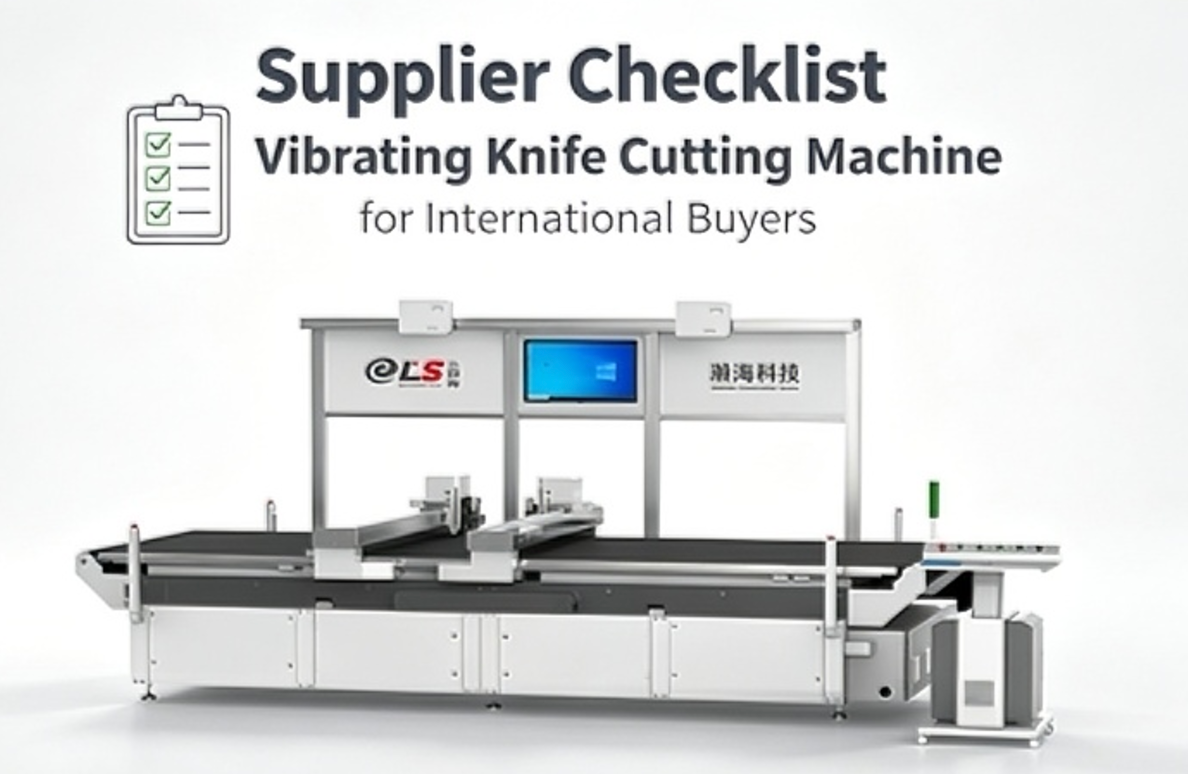
Use this self-check checklist when evaluating any candidate machine. Print it and take it to the supplier demo:
| # | Self-Check Question | Pass |
|---|---|---|
| 1 | Does it cut all materials on my list at their maximum thickness? | ☐ |
| 2 | Is cutting accuracy ±0.1 mm or better, verified on my material? | ☐ |
| 3 | Does it support the tool heads I need (knife, punch, crease, pen)? | ☐ |
| 4 | Is the cutting area large enough for my largest nesting sheet? | ☐ |
| 5 | Does the nesting software handle grain direction and defect zones? | ☐ |
| 6 | Does it accept DXF, PLT, AI, and PDF files without paid converters? | ☐ |
| 7 | Can a new operator learn basic operation in under 2 hours? | ☐ |
| 8 | Did the supplier provide a payback calculation using my data? | ☐ |
| 9 | Are blades and consumables locally available or shipped within 7 days? | ☐ |
| 10 | Is there a warranty of at least 12 months on the machine and software? | ☐ |
If the machine scores fewer than 8 out of 10, move it down your shortlist. For factories already investing in automation infrastructure, our analysis of how Hanhai powers the smart factories of 2026 shows how integrated software and sensor feedback turn a cutting machine into a connected production node.
Get Free Test Cuts on Your Own Materials
Send us your CAD files and material samples. We will cut them on the matching machine configuration and ship the results back within 5 business days — no obligation, no cost.
FAQ: People Also Ask
What is a vibrating knife cutting machine used for?
A vibrating knife cutting machine uses a high-frequency oscillating blade driven by a CNC gantry to cut flexible and semi-rigid materials — genuine leather, PU leather, EVA foam, cardboard, rubber, technical textiles, and composites — directly from CAD files without steel-rule dies. It is widely used in footwear, luggage, automotive interior, furniture, and advertising signage manufacturing for both sample prototyping and mixed-batch production.
Which is better, vibrating knife or laser cutting?
It depends on material and edge requirements. Vibrating knife is better for genuine leather, thick foam (up to 50 mm), and rubber because it cuts cold with no burn marks or heat-affected zone. Laser is better for acrylic, thin fabrics requiring sealed edges, and applications needing engraving alongside cutting. Vibrating knife also has lower consumable costs (blades only vs laser tubes and optics) and requires no fume extraction system.
How much does a vibrating knife cutting machine cost?
Industrial vibrating knife cutting machines typically range from $15,000 for entry-level single-head sample-room models to $80,000+ for fully automated dual-head systems with vision positioning and intelligent nesting. Price is driven by cutting area, number of tool heads, drive system (ball screw vs belt), vision system, and software sophistication. Most factories recover the investment in 12–24 months through labour savings, material utilisation gains, and die elimination.
How accurate is a vibrating knife cutting machine?
Industrial-grade machines achieve cutting accuracy of ±0.1 mm and repeat positioning accuracy of 0.01 mm when equipped with ball screw drives, servo motors, and rigid welded frames. Accuracy can degrade on stretchy fabrics or thick foam where material shifts under the blade, which is why vacuum hold-down and material-specific blade selection matter as much as the machine’s stated tolerance.
Is a vibrating knife cutting machine hard to operate?
No. Modern machines feature 7-inch touchscreen interfaces with icon-based navigation. A new operator with basic computer skills typically reaches independent operation in 1–2 hours — importing a DXF file, running the nesting software, and starting a cut. The nesting algorithm handles pattern arrangement automatically, so the operator does not need pattern-cutting expertise. Advanced functions like defect-zone avoidance and multi-order batching may require an additional day of training.
How do you maintain a vibrating knife cutting machine?
Routine maintenance is minimal: replace blades when edge quality degrades (typically every 2–4 weeks depending on material abrasiveness), lubricate linear guides and ball screws monthly, clean or replace vacuum filters weekly, and inspect punch pins for wear. Annual maintenance includes checking drive belt tension, calibrating the vision system, and updating nesting software. Budget $1,000–3,000 per year for consumables on a single-head machine.
How long does it take to cut a leather hide with a vibrating knife machine?
Cutting time depends on hide size, pattern complexity, and number of pieces. A standard full hide (approximately 2.5 × 1.6 m) with 15–25 pattern pieces typically takes 8–15 minutes of machine cutting time after the nesting layout is generated. Intelligent nesting software can add 1–3 minutes of computation time but saves significantly more in material yield. This is 3–5 times faster than manual skilled cutting for the same output.
What file formats do vibrating knife cutting machines support?
Most industrial machines accept DXF, PLT, AI, EPS, PDF, and JPG formats. DXF and PLT are the most common for vector cutting paths because they preserve exact geometry. Some machines also support HPT and ST2 proprietary formats. File transfer is typically via USB, LAN, or WLAN. Avoid machines that require paid file-conversion software or proprietary design tools, as these add recurring cost and limit workflow flexibility.
Can a vibrating knife cutting machine handle automotive interior materials?
Yes. Vibrating knife machines are widely used for cutting automotive interior components — leather seat covers, headliners, door panels, foam padding, and acoustic insulation. The cold-cutting process avoids the edge hardening and fume issues that laser cutting creates on synthetic automotive materials. For factories cutting pre-printed or embossed automotive leather, camera vision positioning ensures pattern alignment within ±0.2 mm.
How long does a vibrating knife blade last?
Blade life depends on material abrasiveness and cutting volume. Cutting genuine leather, a blade typically lasts 2–4 weeks of continuous single-shift operation. Foam and cardboard are less abrasive, extending blade life to 4–8 weeks. Rubber and composite materials may shorten life to 1–2 weeks. Most machines use standard tungsten carbide blades costing $15–40 each. Dual-head machines alternate blade wear, doubling the interval between blade changes.
Conclusion
Choosing the right vibrating knife cutting machine comes down to seven disciplined steps: know your materials and thickness, verify accuracy on your own samples, match tool heads to your process needs, size the cutting area and feed system correctly, compare knife vs laser for your material chemistry, model total cost of ownership with your real data, and stress-test the software and operator interface before buying. The machine that wins is not the cheapest or the most feature-laden — it is the one that fits your material mix, hits ±0.1 mm on the materials you actually cut, and pays for itself in 12–24 months through material savings and labour reduction.
If you are ready to move from specification sheets to real cuts on your own materials, contact Hanhai Tech to arrange free test cuts and a machine configuration recommendation tailored to your production line.
Related Resources
- The Complete Guide to Oscillating Knife Cutting Machines — deep dive into blade types, maintenance schedules, and material-specific setups.
- How Hanhai Powers the Smart Factories of 2026 — how sensor feedback and data integration turn cutting machines into connected production nodes.
- CNC Leather Cutting Machine Category — explore leather-specific cutting and nesting solutions.
- Laser Cutting Machine Category — compare laser options for materials where edge sealing or engraving is needed.
Recommended Products
- ELS 3016S Vibrating Knife Genuine Leather Cutting Machine — 3000 × 1600 mm cutting area, ±0.1 mm accuracy, defect identification, and intelligent nesting for leather digitization.
- ELS B6616S CNC Flexible Leather Material Cutting Machine — 6000 × 1600 mm workspace with fully automatic intelligent layout for large-batch leather production.
- Intelligent Sample Cutting Machine ELS-B2S — 1600 × 800 mm work area with dual-head punching (4 punch heads) for sample rooms and small-batch production.
- Channel Type Intelligent Cutting Machine ELS-B13S — 20-megapixel camera vision positioning for continuous-feed cutting of pre-printed fabrics and patterned materials.