Skip to content
Introduction
A vibrating knife cutting machine is a five- or six-figure capital purchase for any factory. The wrong choice means slow cutting, burnt edges, high blade waste, and a machine that cannot handle the materials your orders actually demand. Yet most purchasing managers walk into a demo without a written checklist — and leave with a quote they cannot compare.
This guide gives production teams and purchasing managers 10 questions to ask every supplier before signing. Ask them in writing, compare answers side by side, and you will avoid the three most expensive mistakes factories make: buying the wrong tool head, underestimating running costs, and trusting a spec sheet that no one will honor after delivery.
What Materials Will You Actually Cut?
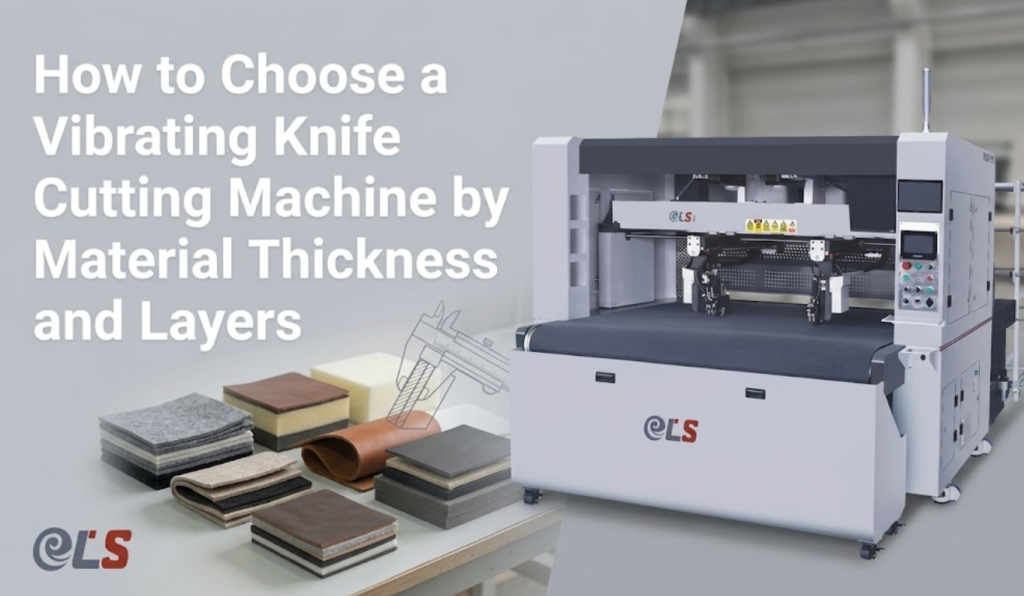
Start with the materials on your real order book, not the sales brochure. A vibrating knife handles foam, EVA, rubber, leather, fabric, cardboard, gasket material, and PVC — but thickness and density decide which blade and which machine you need. Foam up to ~50 mm needs a different oscillation stroke than thin garment leather.
Then decide knife versus laser for the materials that overlap. Use the comparison below to frame the question to your supplier.
| Factor | Vibrating / Oscillating Knife | Laser Cutting |
|---|---|---|
| Edge on leather / foam | Clean, no burn, no sealed edge | May char, seals synthetic edges |
| Best materials | Foam, EVA, fabric, gasket, cardboard | Acrylic, wood, engraving, sealed synthetics |
| Fumes / extraction | Minimal, low ventilation need | Requires fume extraction system |
| Tool change for new material | Swap blade in minutes | Adjust power / focus only |
If you cut genuine leather or flexible leather goods, see the CNC leather cutting machine category for material-specific nesting and defect-skip features. For sealed-edge or engraved parts, compare the laser cutting machine category.
How Much Precision and Speed Do Your Products Demand?
Ask for two numbers, not one. Cutting accuracy tells you the contour tolerance (±0.1 mm is the benchmark for quality machines); repeat positioning accuracy (±0.01 mm) tells you how consistent the machine is across a full shift. Both matter for stacked or nested parts.
Then pin down real throughput. Demo speed on your material at your nest density — brochure “mm/s” figures are measured on thin paper. A ball-screw servo drive and intelligent nesting typically beat a faster-rated belt machine on actual parts per hour.
Which Tool Heads and Functions Do You Need?
A bare oscillating knife is rarely enough. Ask which heads ship standard and which are add-ons:
- Oscillating / vibrating knife — the core cut for foam, leather, fabric.
- Drag knife — for thin film and stickers at high speed.
- Creasing / scoring wheel — for folding cartons and PU.
- Punching head — for holes and slits in one pass.
- CCD camera — vision positioning for pre-printed or patterned sheets.
- Pen / marking — for sample annotation and QC lines.
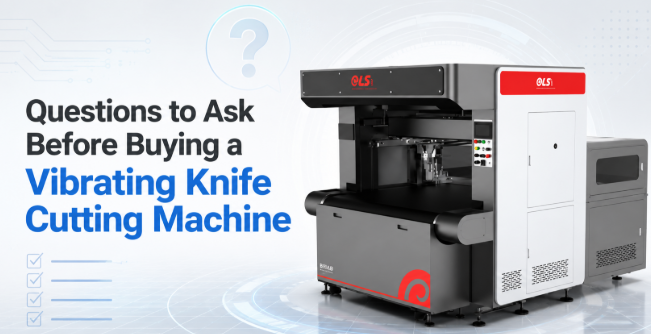
Buying a dual-head model spreads tool wear and cuts blade cost, a point worth raising with any intelligent sample cutting machine ELS-B2S supplier.
What Workspace, Nesting Software, and File Formats Are Supported?
Confirm the bed size fits your largest sheet — e.g. 6000 × 1600 mm for high-volume rolls — and ask whether the machine cuts and collects on dual zones so one operator feeds while it runs. Then check the software, which is where most savings hide.
Ask specifically: which file formats are imported (DXF and PLT are the baseline), and does auto-nesting raise material yield? Good nesting lifts leather utilization by 5–10%, which pays for the machine faster than a slightly cheaper bed. See how the ELS B6616S CNC flexible leather cutting machine handles automatic intelligent layout.
Can New Operators Run It Without Long Training?
Labor turnover is real. Ask how fast a new operator is productive. Quality machines pair a 7-inch touchscreen with intuitive nesting, so a first-time user is cutting real parts in 1–2 hours. Request a recorded onboarding session and the training manual before you buy — if the supplier cannot provide one, that is your answer about support quality.
What Are the True Running Costs — Blades, Vacuum, and Service?
The purchase price is the smallest number on the total-cost sheet. Ask for consumable costs explicitly:
- Blade life per material and per blade type, and unit price.
- Vacuum pump power draw (the biggest continuous energy cost).
- Annual preventive-service fee and what it covers.
- Lead time and local stock for wear parts.
A machine with cheap blades and dual-head wear distribution beats a “discount” machine with proprietary, slow-to-ship consumables. Maintenance is covered in depth in our complete guide to oscillating knife cutting machines.
What About Warranty, Local Support, and ROI Payback?
Finally, ask the questions that protect the investment after the warranty card is signed. Get the warranty length and what is excluded in writing. Ask for a local or remote response time for faults, and whether the supplier offers free pre-sale diagnostics on your samples.
Then do the ROI math together: most factories see payback in 12–24 months through labor savings, yield gain, and less blade waste. Request the supplier’s assumptions so you can stress-test them. Our smart factory report shows how sensor feedback and predictive maintenance cut unplanned downtime.
Pre-Purchase Question Checklist
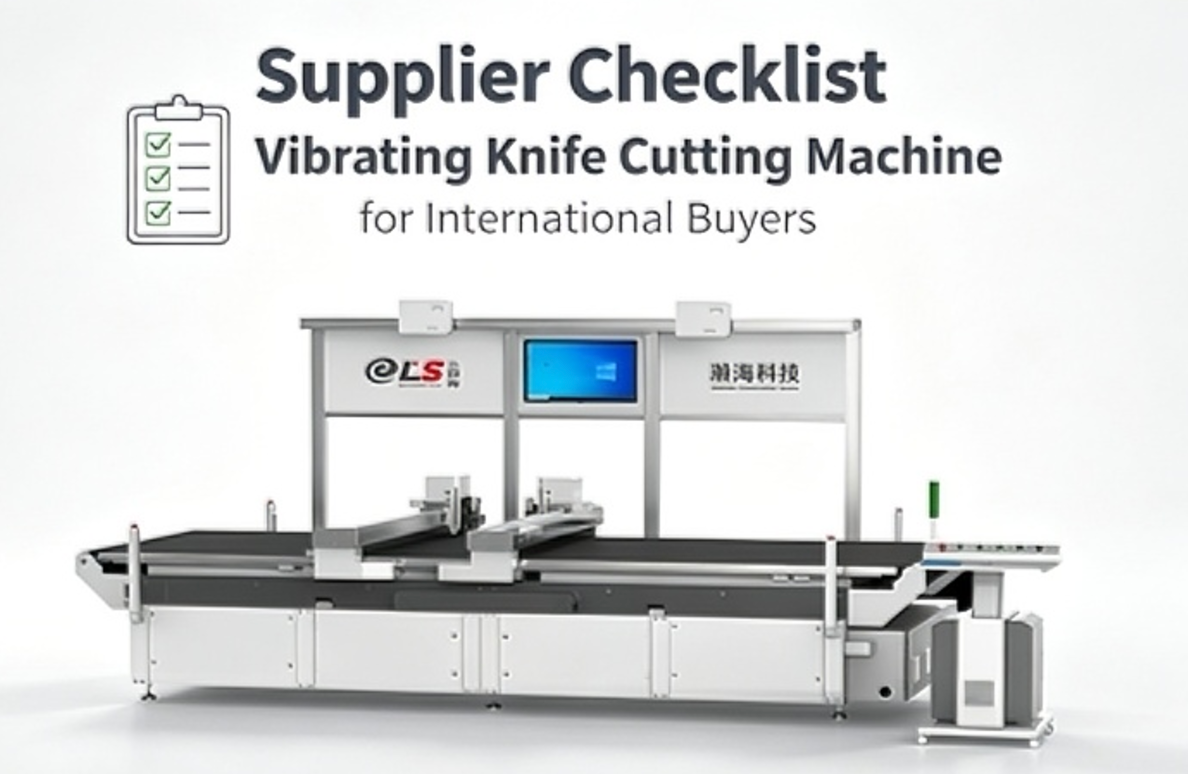
Print this and tick each box as every supplier answers. A supplier who cannot tick all ten in writing is not ready for your order.
| ☐ | Question to ask | What a good answer looks like |
|---|---|---|
| ☐ | Material & thickness fit? | Cuts your thickest material with the right blade |
| ☐ | Real accuracy stated? | ±0.1 mm cut, ±0.01 mm repeatability |
| ☐ | Tool heads included? | Knife + drag + crease/punch as needed |
| ☐ | File formats & nesting? | DXF/PLT import, +5–10% yield |
| ☐ | Training time? | Productive in 1–2 hours, manual provided |
| ☐ | Running cost breakdown? | Blade life, vacuum draw, service fee |
| ☐ | Warranty & support? | Written terms, fast response |
| ☐ | Free test cuts offered? | On your own materials, no obligation |
Not sure which questions your supplier should answer?
Send Hanhai Tech your material samples and order specs. Our engineers will run free test cuts and return a written pre-purchase checklist — no obligation.
FAQs
What is a vibrating knife cutting machine used for?
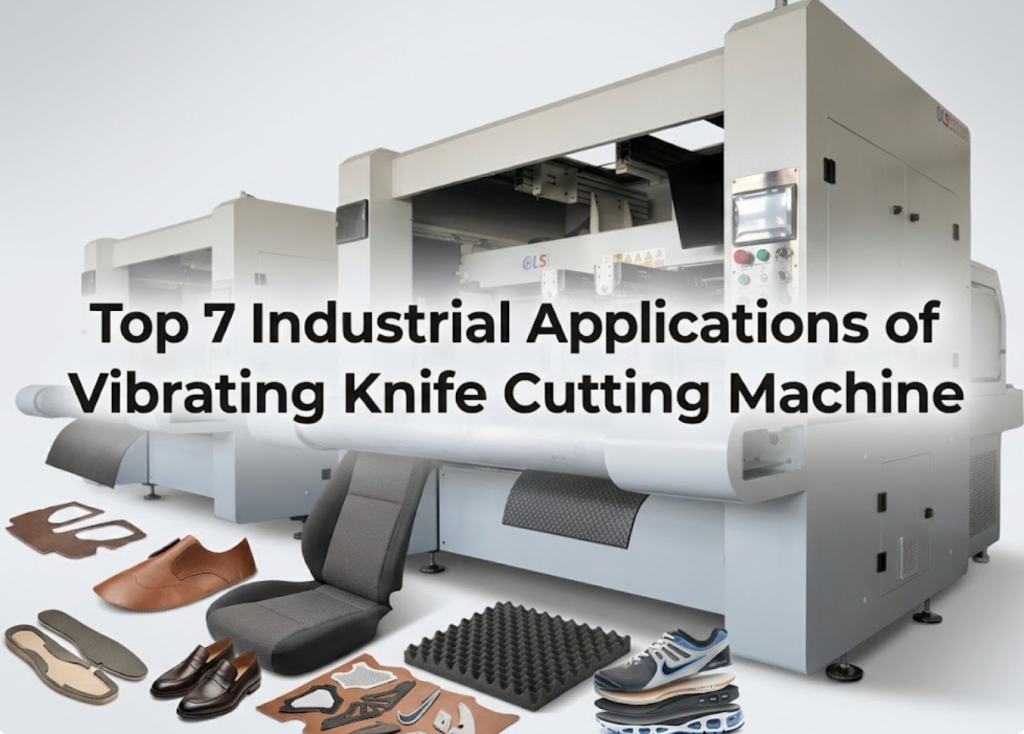
It cuts flexible and semi-rigid sheet materials — foam, EVA, rubber, leather, fabric, cardboard, gaskets, and PVC — with a rapidly oscillating blade instead of a laser or die. Factories use it for shoe uppers, car interiors, luggage panels, furniture padding, and packaging samples where clean edges and no burn matter.
Which is better, oscillating knife or laser cutting?
Use a vibrating knife for leather, foam, fabric, and anything that would char or release fumes under a laser. Use a laser when you need engraving, sealed synthetic edges, or cuts in acrylic and wood. Many factories run both for different product lines.
How accurate is a vibrating knife cutting machine?
Quality machines hold ±0.1 mm cutting accuracy with ±0.01 mm repeat positioning. Ask for both numbers and confirm them on a nest of your actual parts, not on a demonstration swatch.
How much does a vibrating knife cutting machine cost?
Price scales with bed size, tool heads, and vision systems rather than the knife alone. Ask each supplier for the full delivered price plus consumables and service, then compare payback — most factories recover the investment in 12–24 months.
Is a vibrating knife cutting machine hard to operate?
No. With a 7-inch touchscreen and automatic nesting, a new operator is productive in 1–2 hours. Request the training manual and an onboarding video before purchase so ramp-up is repeatable across shifts.
What materials can a vibrating knife cutting machine cut?
Foam up to ~50 mm, EVA, rubber, genuine and synthetic leather, woven and non-woven fabric, cardboard, gasket material, cork, and thin PVC. Always confirm your thickest and densest material against the supplier’s tested list.
What file formats does a vibrating knife cutting machine support?
DXF and PLT are the baseline for nearly all controllers; many also accept AI, PDF, and HPGL. Confirm import works with your CAD or pattern software before buying to avoid a manual redraw step.
How do you maintain a vibrating knife cutting machine?
Daily: clean the bed and check blade sharpness. Weekly: lubricate guides and inspect the vacuum. Replace blades by material life, not by calendar. A preventive-service plan from the supplier keeps accuracy stable and downtime low.
How long does it take to get a return on investment?
Most factories reach payback in 12–24 months through labor savings, 5–10% material-yield gains from auto-nesting, and lower blade waste. Ask the supplier to show the assumptions behind their payback figure.
What should I ask a supplier before buying?
Ask about material fit, real accuracy, included tool heads, file formats and nesting yield, training time, full running costs, written warranty and support response, and whether they offer free test cuts on your own materials. Use the printable checklist in this article to compare suppliers in writing.
Conclusion
Buying a vibrating knife cutting machine should be a written, comparable decision — not a guess at a demo. The ten questions above cover the failures that actually cost factories money: wrong tool head, hidden running costs, and unsupported warranties. Score every supplier against the checklist, and the right machine becomes obvious.
If you want a second opinion before you commit, contact Hanhai Tech with your material samples — we will run free test cuts and return a written recommendation at no obligation.
Related Resources
- The Complete Guide to Oscillating Knife Cutting Machines — blade types, accuracy, and material-specific setups.
- How Hanhai Powers the Smart Factories of 2026 — sensor feedback and predictive maintenance that cut downtime.
- CNC Leather Cutting Machine Category — leather nesting and defect-skip solutions.
- Laser Cutting Machine Category — compare laser options for sealed edges and engraving.
Recommended Products
- ELS 3016S Vibrating Knife Genuine Leather Cutting Machine — ±0.1 mm accuracy with ball-screw servo drive and intelligent leather nesting.
- ELS B6616S CNC Flexible Leather Material Cutting Machine — 6000 × 1600 mm workspace with automatic intelligent layout for high-volume production.
- Intelligent Sample Cutting Machine ELS-B2S — dual-head punching that spreads tool wear for lower blade cost.
- Channel Type Intelligent Cutting Machine ELS-B13S — 20-megapixel vision positioning with consistent vacuum hold-down for pre-printed materials.